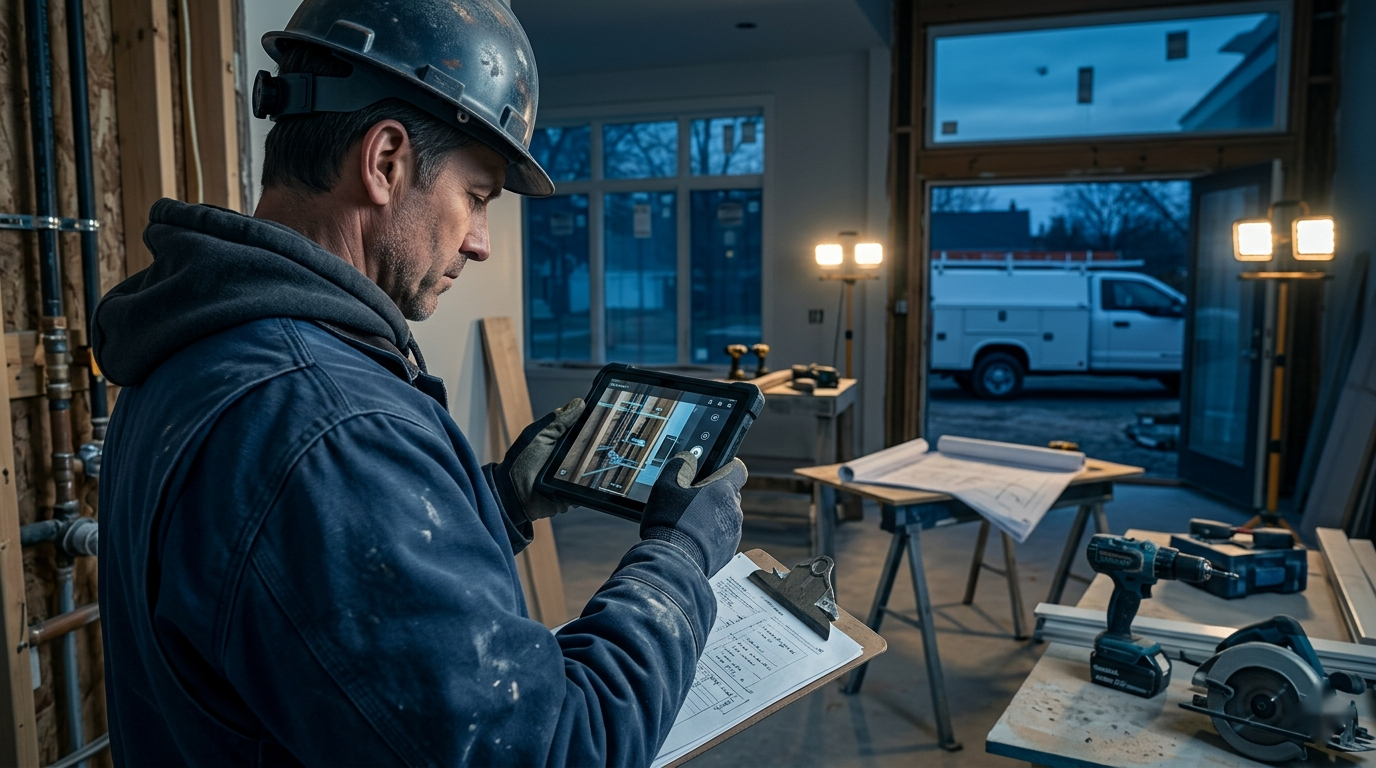
A technician can take 40 photos and still leave the office unable to answer a basic question: what happened? Without sequence, context, or explanation, those images are difficult to use when a customer questions a change order, billing needs completion evidence, or a manager reviews a callback.
AI jobsite photo documentation can close that gap. The useful version does not ask software to diagnose hidden conditions or replace trade judgment. It turns a consistent set of field photos and notes into an organized record, then drafts the communication the office already needs. Done well, the workflow protects margin, shortens handoffs, and makes the company easier to trust.
Start with the business record you need
“Take more pictures” is not a documentation standard. Before choosing an AI tool, define what the photos must support. Most contractor workflows need evidence for a handful of recurring events:
- Existing conditions before work begins
- Work completed and materials installed
- Hidden or changed conditions that affect scope
- Customer selections or approved deviations
- Safety, access, or site-protection issues
- Closeout, warranty, and callback review
Each event needs a slightly different record. A change order requires context, a clear view of the discovered condition, and an explanation of its effect on scope. A completion record should show the finished work from useful angles and connect it to the job or invoice. A callback review benefits from original installation photos, technician notes, and the new complaint in one timeline.
That purpose should determine what the field captures and what AI produces. Otherwise the company creates a large photo archive without creating usable evidence.
Build a repeatable field capture sequence

AI cannot recover context that was never recorded. A simple capture sequence gives the model—and the office—enough structure to work with.
For each material condition, ask the field employee to capture:
1. A wide photo showing location and surrounding context 2. A medium photo showing the assembly or affected area 3. A close photo showing the specific condition or detail 4. A short voice or text note stating what is visible and why it matters
Before-and-after photos should use similar angles when practical. If scale matters, include a tape measure or another appropriate reference. The field note should identify facts, not conclusions the technician is not qualified or authorized to make.
For example, “dark staining and soft sheathing visible below the removed flashing at the north roof-to-wall transition” is more useful than “bad water damage.” The first description tells the office what can be seen and where. The second is vague and may overstate what has been established.
The workflow should also attach the job number, date, location or work area, technician, and capture stage. Those fields matter more than clever image analysis. Without them, even an excellent summary can end up in the wrong customer record.
Use AI to organize and draft, not to certify
The safest high-value tasks are administrative. AI can group images by room or work phase, identify likely duplicates, convert voice notes into structured captions, and draft a chronological daily log. It can also turn an approved set of photos and verified notes into a customer update, change-order description, invoice explanation, or internal handoff.
The boundary is important. A photo may show corrosion, a crack, staining, a disconnected component, or an installation detail. It may not establish the cause, concealed extent, code compliance, structural safety, or final repair method. Those judgments still belong to qualified people with the necessary inspection context.
Require the system to separate three things in its output:
- Visible observations supported by the images
- Context supplied by the technician or job record
- Questions or missing information requiring human review
This keeps a confident-sounding draft from quietly turning an uncertain interpretation into a company statement.
Create outputs for specific office workflows
A single generic “photo summary” rarely serves everyone. The office should request an output designed for the next action.
Change-order support
The draft should identify the original work area, the newly visible condition, how it affects the planned scope, and the proposed next step. It should reference selected photo numbers or timestamps so the reviewer can verify every statement. Pricing and contractual language should come from approved company processes, not from image interpretation.
Customer progress updates
Homeowners usually need a short explanation of what was completed, what remains, and whether a decision is required. AI can translate field shorthand into plain English, but the project manager should remove unnecessary technical detail and confirm that no disputed or sensitive information is included.
Billing and closeout
For milestone billing, the record can group completion photos by scope line and flag any item that lacks evidence. At closeout, it can produce an indexed photo log for the project file. The goal is not to overwhelm the customer with images; it is to make approval and later retrieval easier.
Internal handoffs and callbacks
A concise handoff should tell dispatch, billing, or the next technician what was observed, what work was performed, what remains open, and who owns the next action. On a callback, AI can help compare the original and current records, but a manager should decide whether the images actually show the same condition.
Use a prompt that forces evidence discipline
A controlled prompt can produce a much safer first draft than “summarize these photos.” Contractors can adapt this structure:
> Review the attached jobsite photos and verified field notes for job [number]. Create a chronological documentation draft for [change order/customer update/daily log]. Describe only conditions visible in the photos or stated in the verified notes. Reference the relevant image number after each observation. Do not diagnose causes, determine code compliance, assign fault, estimate cost, or invent missing details. Separate visible observations, technician-provided context, and questions requiring review. End with the next action and responsible role if those are provided.
The company can add output rules such as word count, tone, required fields, and prohibited customer information. A roofing change-order draft and an HVAC maintenance summary should not use identical templates, but both should preserve the same evidence boundary.
Put privacy, retention, and access rules in writing
Jobsite photos can include addresses, family pictures, security equipment, vehicle plates, children, medication, documents, and other personal details. Interior images should never flow casually from an employee’s camera roll into an unapproved AI account.
Use company-controlled storage and approved business tools. Limit access by role, decide how long different records must be retained, and document whether the AI provider stores inputs or uses them to improve models. Where possible, crop or exclude irrelevant personal information before processing.
The policy should also explain customer consent, use of personal devices, deletion from local phones, and preservation when a dispute exists. Requirements vary, so legal and insurance advisers should review it.
Add human approval at the point of risk
Not every output needs owner review. A routine internal daily log may only need the technician or coordinator to confirm it. A customer-facing change-order explanation deserves project-manager approval. Anything involving injury, property damage, safety, licensing, insurance, a payment dispute, or potential litigation should be escalated before AI-generated language leaves the company.
A useful approval check asks:
- Does every material statement trace to a photo or verified note?
- Are the photos from the correct job, date, and work area?
- Has the draft separated observation from diagnosis?
- Does it expose private or unnecessary information?
- Is the proposed next step approved and assigned?
That review can take less than a minute on routine work, but it prevents a polished draft from becoming weak evidence or an unintended admission.
Roll out the workflow on one document type
Begin with a narrow, frequent use case such as daily progress summaries or change-order photo packets. Select 20 recent examples and define the minimum photo sequence, required metadata, output template, and approver. Test the workflow against those historical jobs before using it live.
For the first month, track missing-photo rates, time from field upload to usable office summary, drafts returned for correction, and change orders delayed by incomplete documentation. Review the edits people make. If summaries repeatedly lack location, the capture form needs a required work-area field. If the model overstates causes, tighten the prompt and train reviewers to reject unsupported language.
Only expand to billing, customer updates, or callback analysis after the first workflow is reliable. The best system is not the one that analyzes the most images. It is the one crews will use consistently and the office can trust.
Turn photos into operational evidence
AI jobsite photo documentation pays off when it connects field evidence to a specific business action. A disciplined capture sequence creates the raw record. AI organizes that record and drafts useful communication. Human review protects technical judgment, privacy, and customer trust.
That combination turns photos from camera-roll clutter into faster approvals, cleaner handoffs, stronger closeout records, and better protection when questions arise. The technology helps, but the real advantage comes from a documentation process the whole company can follow.