
A completed checklist does not make a jobsite safe. A corrected hazard, a crew that understands the plan, and a supervisor who follows through do. The paperwork matters because it helps the company verify those actions, but documentation should support the safety program rather than become the program.
That distinction is where AI can be useful. It can turn field notes into consistent drafts, surface overdue corrective actions, organize training records, and help a safety lead review patterns across jobs. It cannot decide whether a condition is compliant, replace a competent person, or take responsibility away from the employer.
For contractors, the best AI safety compliance workflow is therefore a controlled information loop: capture what happened, route it to the right human, close the action, and preserve the approved record.
Start with the hazard and requirement map
Do not begin by shopping for an “AI safety” product. Begin with the work your crews perform and the rules, plans, and customer requirements that apply to it. A roofing contractor, excavation company, electrical service team, and commercial remodeler face different hazards and documentation duties. Federal OSHA, an OSHA-approved state plan, local rules, project contracts, insurers, and general contractors may all affect the operating standard.
Build a simple map for each recurring work type:
- the task and known hazards
- the required plan, inspection, permit, training, or record
- the person qualified and authorized to review it
- the trigger for escalation or stopping work
- the owner and due date for corrective action
- the approved storage location and retention rule
This map becomes the source material for the workflow. AI may help format it or turn it into a draft checklist, but a qualified safety professional or responsible manager should verify the content against current requirements and actual site conditions.
Capture field signals without adding office drag
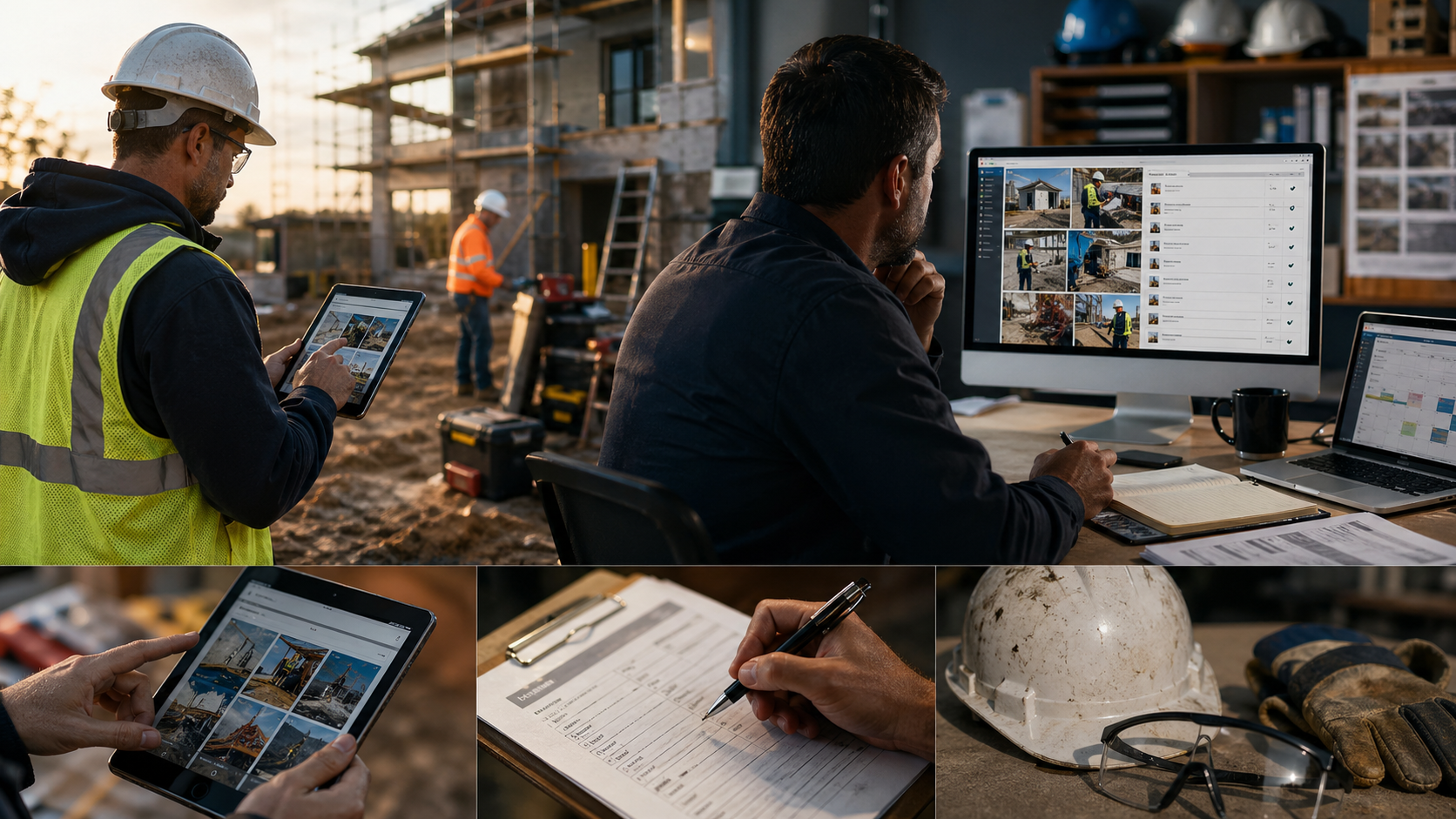
Safety information is often lost between the jobsite and the office. A foreman notices a damaged ladder, assigns a replacement, and moves on. A technician reports a near miss in a group text. Training happens during a morning meeting, but the attendance sheet sits in a truck. The problem is not always a lack of action; it is that the action cannot be tracked to completion.
Give crews one approved intake path that works on a phone. Keep it short enough to use in the field. A useful report may capture the job, time, task, observed condition, immediate control, people notified, photos, and follow-up needed. Voice input can reduce typing, and AI can convert the note into a structured draft.
The draft should return to the reporter or supervisor for confirmation. Names, equipment identifiers, measurements, dates, and the description of the control deserve an explicit check. If the system cannot identify a critical fact, it should mark the field as missing rather than fill the gap with a plausible answer.
Use AI for drafting and triage, not final safety decisions
Several uses are practical when the boundaries are clear.
Turn observations into consistent drafts
AI can organize a voice memo into a near-miss report, inspection note, toolbox talk summary, or corrective-action ticket. A standard format makes records easier to review across crews. The original note or image should remain available so the reviewer can compare the draft with the source.
Prepare job-specific discussion points
Using an approved task description, company procedure, manufacturer instructions, and verified regulatory material, AI can draft discussion points for a pre-task meeting. A supervisor still needs to adapt them to the day’s crew, weather, equipment, sequencing, and changing site conditions. Generic output should never be treated as a completed job hazard analysis.
Route issues by urgency
Rules can route an open guardrail issue, damaged electrical equipment, suspected exposure, injury, or stop-work request to the designated person immediately. AI may help classify the incoming description, but conservative routing is essential: uncertainty should increase review, not quietly lower priority.
Summarize patterns for management review
Once records are approved, AI can group recurring hazards, late corrective actions, repeated equipment problems, or training gaps. The summary is a starting point for investigation. It should not label a worker as the cause, suppress inconvenient reports, or infer misconduct from incomplete data.
Close corrective actions in the same system
Finding a hazard is only the beginning. Every issue that requires follow-up should have an owner, due date, interim control, final correction, and verification step. The workflow should make open actions visible to supervisors and management without forcing them to search through emails and chat threads.
A closed ticket should show what changed and who verified it. A photo may support that verification, but a photo alone may not prove that a control is adequate. High-risk work, recurring failures, and any issue governed by a specific standard should follow the company’s qualified review process.
This is also where a useful dashboard earns its keep. Track overdue actions, repeat hazards, and time to verified closure by job or work type. Do not reward low report counts. A crew that reports concerns early may be showing stronger participation than a crew with a suspiciously perfect record.
Make training understandable and verifiable
OSHA requires covered employers to provide required training in a language and vocabulary workers can understand. AI can help create a plain-language draft, prepare multilingual support, generate a short knowledge check, or adapt an office document into a field discussion guide.
Translation is not the same as comprehension, and a generated quiz is not proof of competence. Have a knowledgeable reviewer check technical meaning, then give workers a way to ask questions and demonstrate the required practice. Preserve the approved version, trainer, attendees, date, topic, and any follow-up needed.
If a tool personalizes training from employee records, limit the data it can access. Medical information, immigration information, and unrelated personnel details do not belong in a general drafting prompt.
Separate operational records from required OSHA records
Daily inspections, toolbox talks, near-miss reports, and corrective-action logs can strengthen a safety program, but they are not automatically substitutes for required forms or reporting. Many covered employers with more than ten employees must maintain OSHA Forms 300, 300A, and 301 or equivalent records, subject to industry and other exemptions. Covered records generally must be retained for five years.
Serious-event reporting is a separate clock. OSHA states that a work-related fatality must be reported within eight hours, while an in-patient hospitalization, amputation, or loss of an eye must be reported within 24 hours. State-plan requirements can differ. The person responsible for a reportable-event decision should use current official guidance, not an AI answer or an automated risk score.
Configure the system to route possible recordable or reportable events immediately and preserve the original facts. It may assemble a review packet, but an authorized human should make and document the final determination.
Put guardrails into the buying decision
Before giving a safety tool access to field records, ask operational questions rather than buying from a polished demo:
- Can the company control where records and images are stored?
- Does the vendor use customer data to train its models, and can that use be disabled?
- Are edits, approvals, and deletions logged by user and time?
- Can the system preserve original submissions alongside approved records?
- Does it work with weak connectivity and sync without duplicating reports?
- Can permissions separate crew intake, supervisor review, and management access?
- Can the company export its records in a usable format?
Also test the failure mode. Give the system an incomplete voice note, conflicting dates, an unreadable photo, and a request to invent a missing fact. A trustworthy workflow flags uncertainty and waits for review.
Pilot one workflow before expanding
Start with one recurring process, such as weekly jobsite inspections or near-miss intake. For two weeks, run AI-assisted drafts beside the current process and compare them with the source material. Track missing fields, factual corrections, review time, worker adoption, and time to close actions.
In the next two weeks, use the approved workflow on one crew or project. Keep human review on every output. Meet weekly with field and office users to remove friction and identify unsafe assumptions. Expand only after the company can show that the process improves follow-through without weakening judgment, reporting access, or record quality.
Better information should lead to safer action
AI safety compliance for contractors works best as a disciplined assistant behind the scenes. It can reduce the delay between an observation and a usable record, keep corrective actions from disappearing, and give managers a clearer view across jobs. The value is not more paperwork or a smarter-looking dashboard. It is faster human attention, verified closure, and a safety system that crews can actually use.