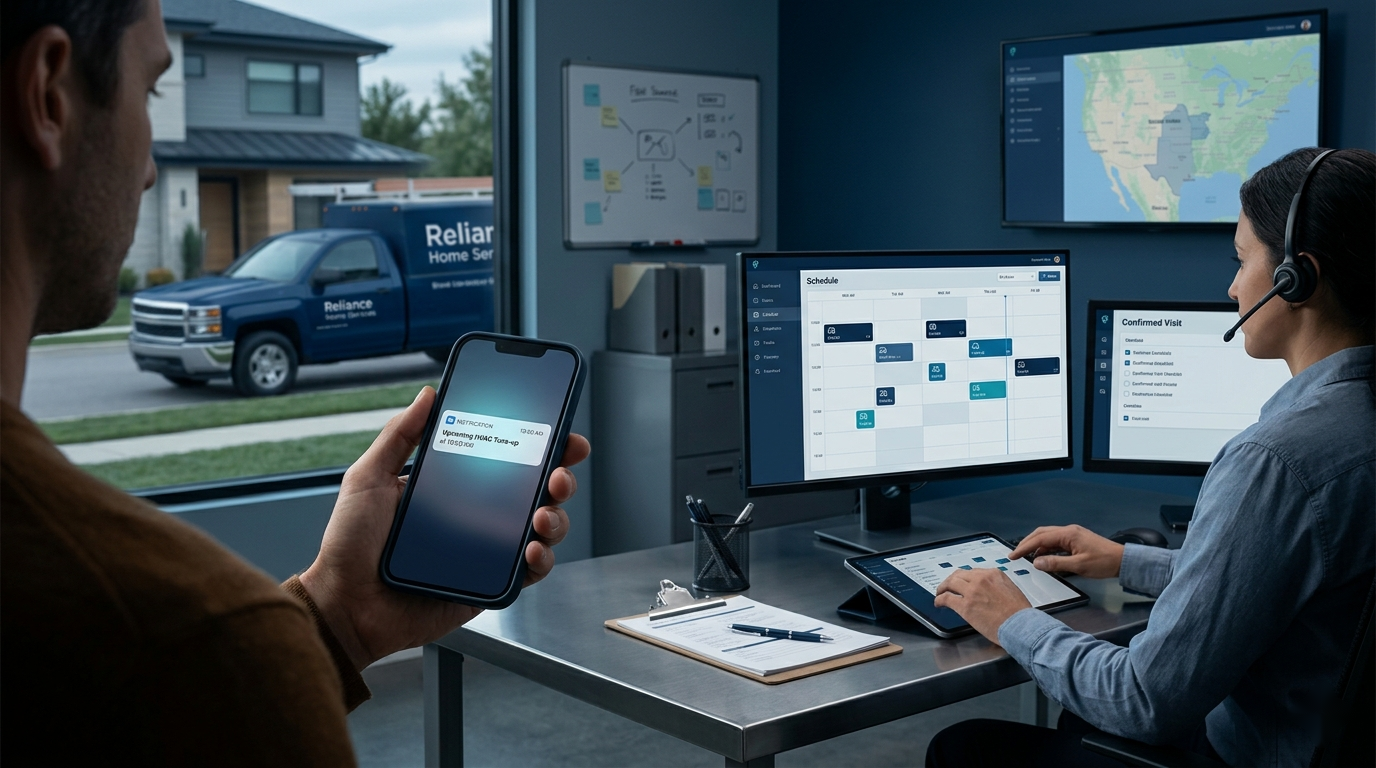
A home service appointment can be “confirmed” in the software and still be fragile in the real world. The homeowner may have forgotten the arrival window, assumed nobody needs to be present, or decided to reschedule without telling the office. The technician discovers the problem only after drive time has already been spent.
Appointment reminder messages should do more than repeat a date. A strong reminder system confirms that the visit still works, removes small uncertainties, captures changes early, and routes every reply to someone who can act. AI can help adapt and organize those messages, but the operating rules matter more than clever wording.
Start With a Reliable Appointment Record
A reminder can only be as accurate as the schedule behind it. Before automating anything, define the fields that must be complete for every appointment:
- Customer name and approved mobile number
- Service address and appointment date
- Arrival window, not an invented exact arrival time
- Visit type and a plain-language reason for the appointment
- Whether an adult must be present
- Access, parking, pet, or equipment-location instructions that matter
- The approved confirmation or rescheduling path
Keep the scheduling or field service platform as the source of truth. AI should not guess missing appointment details, calculate a new arrival window, or turn an internal note into a customer promise. If a required field is missing, hold the reminder for office review instead of sending a polished but unreliable message.
Use a Short Sequence With a Job for Each Message

Sending the same reminder three times feels automated because it is automated. A better sequence gives each touchpoint a distinct purpose.
Booking Confirmation: Create a Shared Record
Send the first message immediately after booking. It should confirm what was scheduled, the service address, the arrival window, and how to correct a mistake. This is the customer's chance to catch a wrong date or misunderstood visit before it becomes a dispatch problem.
> Hi [First Name], your [Company] appointment for [Visit Type] is scheduled for [Date], with arrival between [Window]. Service address: [Address]. Reply C to confirm or R if you need help rescheduling.
Avoid crowding the confirmation with sales language, review requests, or every preparation instruction the company has ever written.
Day-Before Reminder: Ask for a Decision
The day-before message should make confirmation or rescheduling easy. Include only preparation details that affect whether the technician can complete the visit.
> Reminder from [Company]: we are scheduled for [Visit Type] tomorrow, [Date], between [Window]. Please make sure [Required Access Step]. Reply C to confirm or R to reschedule.
If the company uses a confirmation deadline, explain what happens after it. Do not imply that an unconfirmed appointment is automatically canceled unless that is the actual policy and the office consistently follows it.
En-Route Notice: Reduce Arrival Friction
Send an en-route message only when dispatch has a real technician status or a dependable route event. It should identify the company, give a reasonable arrival estimate, and provide a safe way to report an access problem.
> [Technician First Name] from [Company] is on the way for your [Visit Type] appointment. Estimated arrival: [Range]. Please secure pets and make the service area accessible. Reply here if there is an access issue.
Never fabricate an arrival estimate from the original appointment window. A false “on the way” message damages trust faster than no message at all.
Match the Reminder to the Visit
One universal template usually leaves out the details that matter most. A diagnostic call may require an adult decision-maker. A maintenance visit may need access to equipment. A return visit should identify the part or issue being addressed so the customer knows it is not a duplicate appointment.
Build a small template library around the company's main appointment types. Keep the structure consistent while changing only useful context:
- Who needs to be present
- What area or equipment needs to be accessible
- What the visit includes and does not include
- Whether the customer should expect a diagnostic, repair, estimate, or follow-up
- Which known preparation step could otherwise stop the work
Do not use reminders to introduce new policies or surprise fees. Material terms belong in the booking conversation and official service documents. The reminder should reinforce expectations already set.
Turn Replies Into Scheduled Work
The best message still fails if customer replies disappear into a shared inbox. Define a small set of reply states and the next owner for each one:
- Confirmed: update the appointment status automatically when the response is unambiguous.
- Reschedule requested: create a visible office task; do not let AI choose a new slot without approved availability.
- Question or special request: route to a customer service representative with the appointment context.
- Wrong number, opt-out, or delivery failure: suppress further messages and correct the contact record.
- No response: place the appointment in an exception queue based on the company's confirmation policy.
Free-form replies need careful handling. “Tomorrow is fine, but use the side gate” is both a confirmation and an access update. AI can classify these messages and draft a response, but a person should review anything that changes access, scope, price, timing, authorization, or customer identity.
Assign one office role to monitor the exception queue during business hours. An unowned queue turns early warning into late surprise.
Give AI a Narrow, Reviewable Job
AI is most useful when it adapts an approved template to reliable appointment data, checks for missing fields, and sorts incoming replies. A practical instruction might be:
> Draft the appointment reminder from the approved template and supplied appointment record. Do not invent dates, arrival times, technician names, service details, prices, policies, or access instructions. If a required field is missing, return REVIEW REQUIRED instead of a customer message. Keep the message under the company's character limit and preserve the approved reply options exactly.
Add examples for the company's common visit types and prohibited wording. Test messy inputs, not just perfect records: missing access notes, a rescheduled job with an old time still in the notes, two phone numbers, or a customer reply containing more than one request.
Start in draft mode. Let the office review every output until the templates, field mapping, and exception rules prove reliable. Later, routine messages built entirely from validated fields can send automatically while exceptions remain held.
Respect Contact Preferences and Customer Data
Use only numbers the company is authorized to contact for the relevant purpose. Make opt-out requests easy to recognize and honor, keep internal job notes out of customer messages, and limit the data passed into any AI or messaging tool. Payment details, door codes, medical information, and unrelated customer history do not belong in a reminder-writing workflow.
Document who can edit templates, connect systems, view replies, and change send rules. Review applicable messaging, consent, privacy, and record-retention requirements with qualified guidance for the places where the company operates. Operational convenience does not replace those obligations.
Measure Schedule Protection, Not Message Volume
The goal is not to send more texts. It is to learn about schedule changes sooner and reduce preventable wasted capacity. Establish a baseline, then review a few practical measures:
- Confirmation rate before the appointment
- Reschedule requests received early enough to refill the slot
- No-show and no-access visits
- Messages held because appointment data was incomplete
- Customer replies waiting beyond the office's response target
- Delivery failures, opt-outs, and incorrect contact records
- Staff time spent chasing confirmations
Segment results by visit type and reminder timing. A low confirmation rate may reflect unclear booking language, inaccurate contact data, an inconvenient reply path, or a reminder sent too late. Changing copy alone will not fix every cause.
Review a sample of conversations as well as the totals. A higher response rate is not a win if customers are replying because the reminder confused them.
Roll Out the Workflow in Two Weeks
During the first few days, map the current process, choose one high-volume appointment type, and clean up its required fields. Then write the three templates, define reply states, and assign the exception owner. In the second week, run in review mode. Check each message against the schedule and follow every reply to a completed action. Expand only after the first workflow works consistently.
Make Every Reminder Earn Its Place
Effective appointment reminder messages for home service companies protect the route by reducing uncertainty before the truck moves. They confirm the real appointment, make the next action simple, and give the office time to recover when plans change.
Keep the schedule authoritative, use a short sequence, adapt only verified details, and route exceptions to a person. AI can make that system faster and easier to maintain. The business still owns the promises, policies, and decisions that keep customers and technicians aligned.