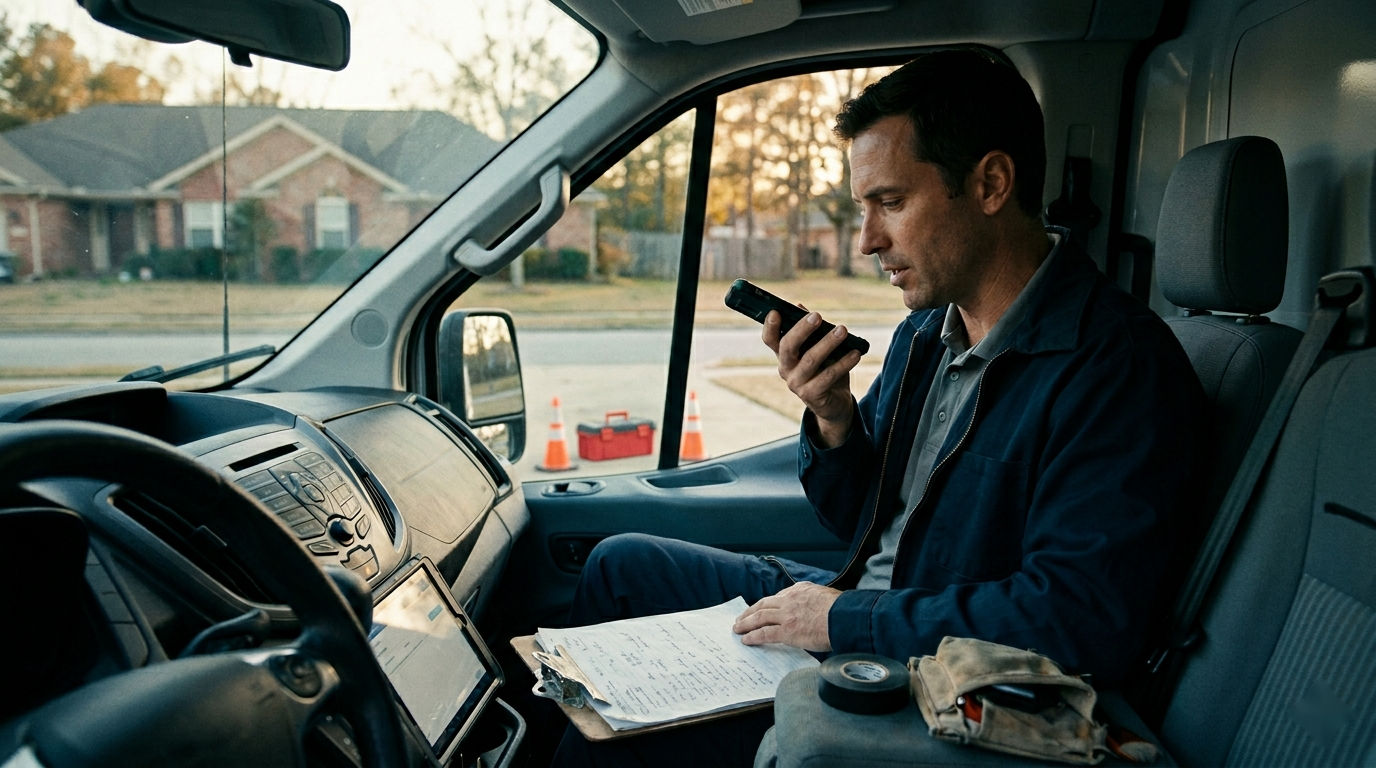
The service call may be finished, but the job is not truly closed when the office is still trying to decode a two-minute voice memo. A technician may remember the failed part, the temporary repair, and the customer's request for a replacement option. The person preparing the invoice hears traffic noise, shorthand, and three facts delivered out of order. Billing waits, follow-up gets vague, and a useful field update becomes another cleanup task.
AI can turn technician voice notes into consistent job summaries without forcing the field to type long reports between calls. The value, however, does not come from transcription alone. It comes from a controlled field-to-office workflow that captures the right facts, separates certainty from guesswork, assigns next actions, and gives a person a fast way to review exceptions.
Define the job summary before choosing the tool
A transcript is a record of what the technician said. A job summary is an operational handoff. The distinction matters because a clean transcript can still leave the office wondering what to bill, what the customer approved, or who needs to order a part.
Decide which downstream tasks the summary must support. For many HVAC, plumbing, electrical, and other home service companies, the core uses are invoice preparation, customer recap, parts ordering, warranty documentation, return-visit scheduling, estimate follow-up, and internal service history. Each use needs specific fields.
Keep one source of truth for job number, customer, technician, equipment, appointment time, and price-book items. Those facts should come from the field service platform or approved business records, not from AI inference. The voice note should add what the technician observed, did, discussed, and recommends next.
Give technicians a short speaking pattern
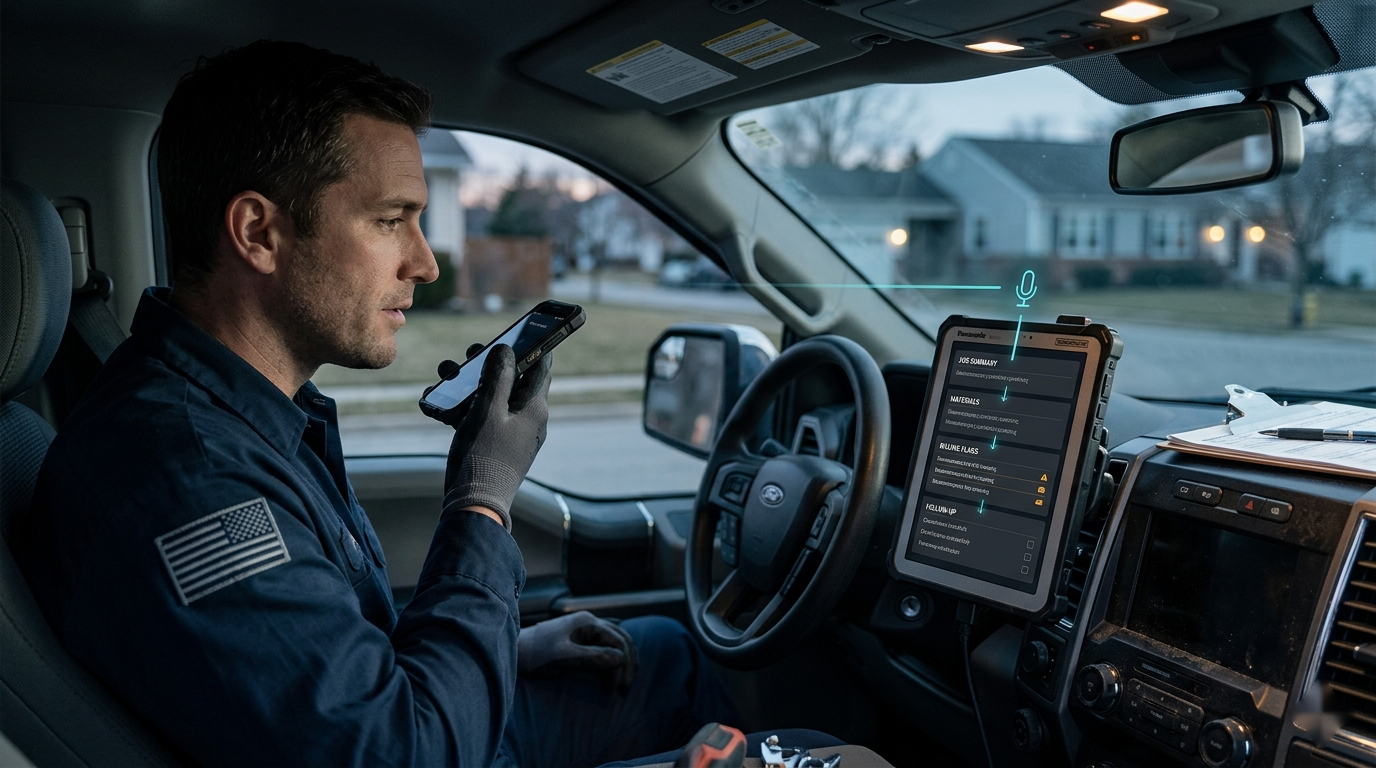
The field process has to survive the busiest day of the week. A long reporting script will be skipped; an unstructured “tell us what happened” instruction produces uneven notes. Use a short sequence that technicians can remember:
- Initial issue: why the customer called and what condition was present on arrival
- Findings: what was inspected, tested, or observed
- Work completed: repair, adjustment, cleaning, installation, or temporary action
- Customer decision: what was explained, approved, declined, or left open
- Next step: parts, estimate, return visit, monitoring, or no further action
A technician does not need polished sentences. A useful note might say that the customer reported intermittent cooling, the capacitor tested outside the approved range, the customer authorized replacement, the system was tested after repair, and no return visit is needed. That sequence gives the office usable facts without adding a typing burden.
Record the note only when the vehicle is safely parked or from another approved safe location. Set practical limits as well: no payment-card details, access codes, unrelated personal information, or speculation about a customer. Follow the company's consent, privacy, and record-retention rules for audio and transcription.
Turn the note into a fixed office format
AI should return the same structure on every job. Consistency lets the office scan instead of reinterpret, and it makes missing information visible.
A practical summary format includes:
- Job outcome and current operating status
- Conditions found and relevant test results
- Work performed and parts or materials used
- Customer approvals, declines, questions, and promises made by staff
- Billing, warranty, safety, or callback flags
- Follow-up action, assigned owner, and target timing
- Missing or uncertain information requiring review
Keep the customer-facing recap separate from the internal summary. Internal notes may include diagnostic detail, part status, or a billing question that should not appear in an automated customer message. AI can draft both from the same approved facts, but the outputs have different audiences and review rules.
Use a prompt that protects facts
The model needs a narrow job, an approved format, and clear boundaries. A reusable instruction can be simple:
“Convert this technician voice-note transcript into the required job-summary fields. Use only facts stated in the transcript or supplied job record. Do not invent measurements, parts, prices, approvals, causes, code requirements, warranty status, or customer statements. If a fact is missing or unclear, write [REVIEW REQUIRED]. Separate completed work from recommended work. Return an internal summary, a short customer recap, and a list of follow-up tasks with owners left blank unless provided.”
Pass in only the minimum approved context. Job number, service type, known equipment record, and completed price-book items may improve accuracy. An entire customer history usually adds risk and noise without helping the summary.
Preserve the original audio or transcript according to company policy so a reviewer can check the source. The generated summary should never erase the evidence it was derived from.
Build an exception queue, not a blind automation
Routine notes can move quickly, but certain content should always stop for human review. Flag uncertain transcription, conflicting equipment details, missing approval, unclear completion status, safety concerns, warranty questions, customer complaints, disputed pricing, property damage, promises of refunds or discounts, and any recommendation that could create a new estimate.
Confidence scores alone are not enough. A perfectly transcribed sentence can still be operationally incomplete. The stronger control is a field-level check: Did the note state what was done? Is the system status clear? Was customer approval captured? Does each follow-up have a real owner?
Give one office role responsibility for the exception queue during each shift. That person should be able to listen to the relevant audio segment, correct the summary, contact the technician, and release the job to billing or scheduling. Without ownership, AI simply produces a more organized backlog.
Connect each summary to the next action
Do not leave the result in a separate AI workspace. Map approved fields into the systems the team already uses. Completed work belongs in service history. Parts needed should create or inform a purchasing task. A replacement recommendation should enter the estimate workflow. A promised call should have an owner and due time. Billing flags should be visible before the invoice is sent.
Avoid letting generated text update sensitive records without a review step. The safest early setup is draft first, human approval second, then write approved information into the field service or customer system. As correction rates fall and the rules prove reliable, low-risk summaries can move through a faster path while exceptions remain held.
Use clear status labels such as draft, needs technician clarification, ready for billing, follow-up required, and closed. These labels help the office manage work; a folder of summaries does not.
Roll out one service workflow at a time
Start with a repeated job type and a small technician group. Review real notes, remove fields the office never uses, and identify the details that are consistently missing. Give technicians two or three strong examples so the speaking standard feels concrete.
During the first weeks, compare every summary with its source note before it affects billing or customer communication. Coach patterns rather than isolated mistakes. If technicians often omit whether the system was tested after repair, add that cue to training. If the model confuses recommended work with completed work, tighten the output format and examples.
Do not measure success by the number of summaries generated. Track the time from job completion to office-ready notes, invoice delay, percentage of summaries needing correction, jobs held for missing information, follow-up tasks completed on time, and technician adoption. Also watch customer complaints, billing corrections, and callbacks for signs that speed is coming at the cost of accuracy.
Make closeout easier for both sides
Technician voice notes to job summaries with AI work best when the company respects both sides of the handoff. The field gets a fast way to document the job in natural language. The office gets consistent facts, visible exceptions, and clear next actions instead of another audio file to untangle.
That is the real operational win: jobs move toward billing, customer communication, parts, or follow-up with less delay, while people stay responsible for approvals and judgment. A good system does not ask technicians to become writers or ask AI to become the service manager. It gives each participant a smaller, clearer job.