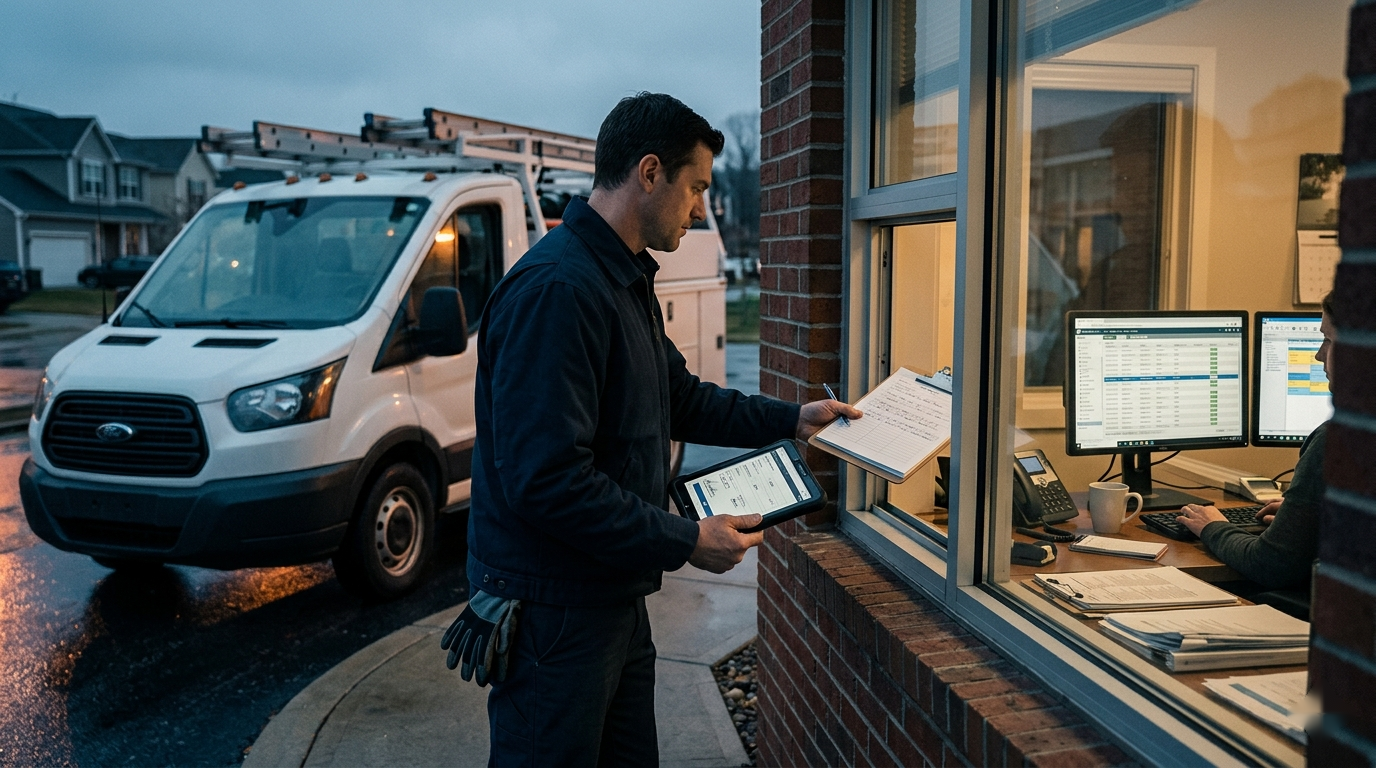
A service call can be technically complete and still create another hour of work. The technician knows what happened, but the office has an unfinished record, the invoice lacks detail, a promised follow-up is sitting in someone’s memory, and the next customer is already waiting.
That gap is the truck-to-office handoff. It is not merely a documentation problem. It is the control point between field production and everything that follows: billing, scheduling, purchasing, customer communication, warranty review, and job costing. A practical automation system captures field truth while it is fresh, uses AI to organize it, and gives the office a reliable way to act before details disappear.
Treat the Handoff as Job Closeout
Weak handoffs usually begin with a vague instruction: “Add good notes before you close the job.” Every technician interprets that differently. One writes a full narrative; another records two lines.
A stronger process defines what must be true before a job can move from field complete to office ready. The handoff becomes a short closeout packet with a clear purpose, not an open-ended request for more typing.
For most field service teams, that packet should answer:
- What work was completed, and what condition was found?
- What parts or materials were used, ordered, or still needed?
- Is the job finished, temporarily stabilized, or waiting on a return visit?
- Did the customer approve additional work or decline a recommendation?
- What did the technician promise about timing, pricing, documents, or follow-up?
- Are there billing, payment, warranty, safety, complaint, or scheduling flags?
- Which photos, readings, signatures, or forms support the record?
Not every trade needs the same fields. A plumber may prioritize water-damage notes, while an HVAC company may need model numbers and readings. The packet should reflect the office’s actual decisions.
Make Field Capture Fit the Workday
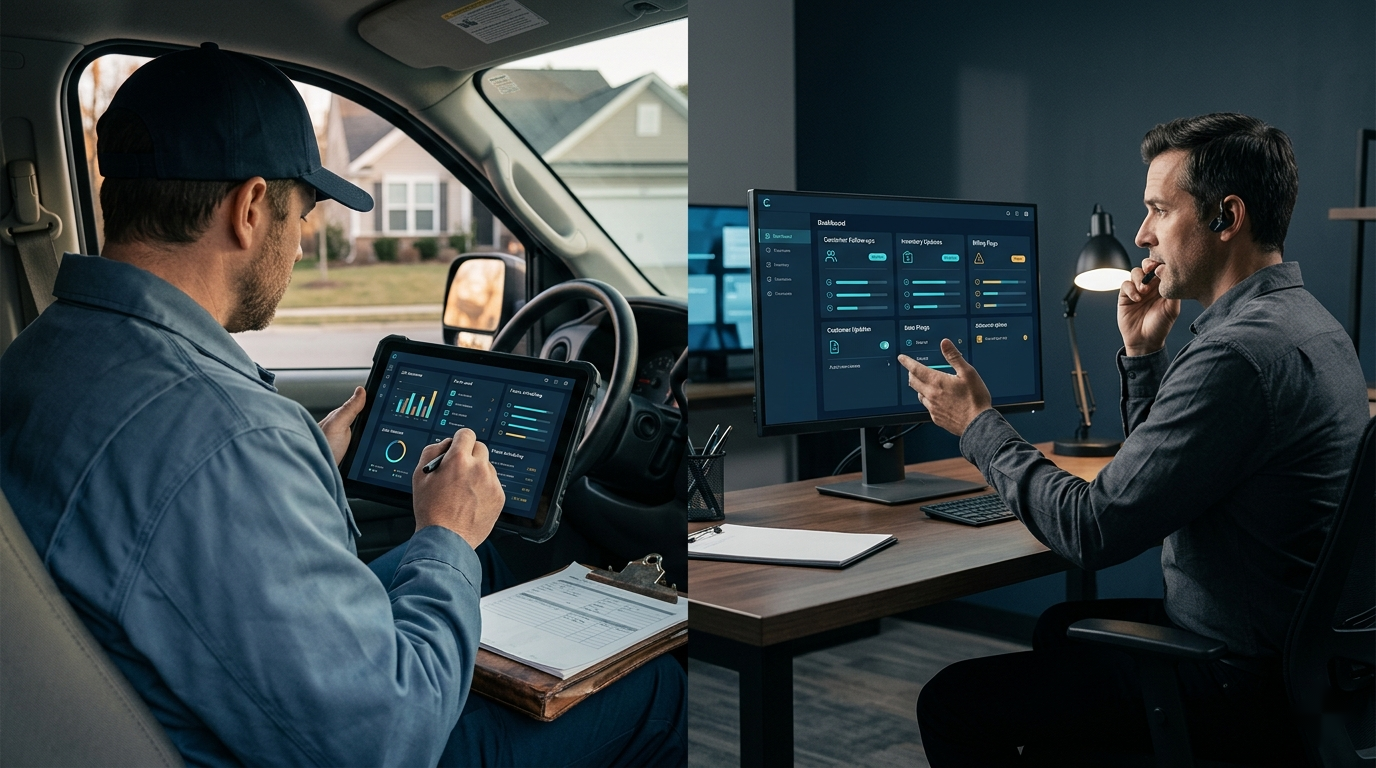
The best closeout template is useless if technicians postpone it until the end of the day. By then, several jobs blend together and the office has already started chasing information.
Capture should happen while the technician is still parked and the job is fresh. Give the field team one simple entry point: a short structured form, a guided voice note, or a combination of required fields and narration. Avoid asking technicians to enter the same fact in multiple systems.
A guided voice prompt can be more reliable than “tell us what happened.” Ask for the outcome, work performed, parts status, customer commitment, and next action in the same order. Technicians should not have to write office-quality summaries on a phone.
The workflow should also make status visible. “Complete,” “return visit needed,” and “office action required” are operationally different outcomes. If every job simply appears closed, urgent exceptions get buried inside paragraphs.
Use AI to Normalize the Record, Not Create It
AI can turn a voice transcript, checklist answers, and approved job data into a consistent office summary. It can separate completed work from recommendations, identify the next action, and format billing notes without someone rewriting the technician’s account.
The model should never fill gaps with plausible details. If the source does not say which part was installed, whether the customer approved the price, or when the team promised to return, the output should mark that information as missing.
A useful instruction is:
“Convert the source notes into a job closeout packet. Use only the information provided. Separate completed work, parts and materials, customer communication, billing notes, follow-up actions, and unresolved questions. Do not infer approvals, prices, equipment details, causes, warranties, or dates. If a required field is missing, label it for clarification.”
This is a better job for AI than asking it to produce one polished paragraph. The office needs structured decisions, not elegant prose.
Build a Gap Check Before the Technician Moves On
Summarization saves time, but the higher-value step is detecting what is absent. The system can compare the raw capture with the required closeout packet and return a short clarification request while the technician still remembers the job.
For example, the workflow might flag:
- a part listed as installed with no quantity or identifier;
- additional labor with no approved change or billing note;
- a return visit with no reason, owner, or scheduling condition;
- a customer promise with no due date;
- a failed repair with no current equipment status;
- a job marked complete without required photos or signature.
Keep the clarification specific. “Your notes are incomplete” creates frustration. “Was the replacement capacitor included in today’s approved price?” gives the technician one answerable question.
Not every missing field should block closeout. Decide which gaps are critical, which can create an office task, and which are optional. A workflow that blocks every job for minor details will train the field team to work around it.
Route Exceptions Instead of Sending Everything Everywhere
Automation becomes noisy when every handoff produces the same email, chat message, and task. The office does not need another stream of summaries. It needs the right work routed to the right owner.
Build rules around exceptions:
- Billing receives completed jobs with the required pricing and parts context.
- Dispatch receives return visits, access constraints, or promised scheduling windows.
- Purchasing receives parts that must be ordered or replenished.
- A service manager receives safety issues, failed repairs, complaints, warranty uncertainty, or work outside the original scope.
- Customer service receives a clear follow-up task when the technician promised a call, document, or estimate.
Routine jobs can move quietly into an office review queue. High-risk jobs should become visible immediately. This exception-based design keeps the system useful as volume grows.
Keep an Office Review Gate
Truck-to-office handoff automation should speed up judgment, not remove it. Before a summary becomes an invoice description, customer message, or permanent job record, an authorized person should review the important details.
The office reviewer checks that the closeout status matches the notes, customer commitments have owners, billable work is supported, and unresolved questions are assigned. If the technician needs to clarify something, send it back during the same shift whenever practical.
This gate also protects tone. Internal notes can be blunt, abbreviated, or speculative. Customer-facing communication should state confirmed facts in clear language and avoid internal shorthand, blame, or conclusions the company has not verified.
Roll Out the Workflow Without Replacing the Whole Stack
Start inside the tools the team already uses. The first version may send a mobile form, transcript, and job fields to an AI step, then write a structured summary to the field service platform or office queue.
Pilot the process with one job type or a small technician group. Review the first set of handoffs manually and look for recurring failures:
- fields technicians consistently misunderstand;
- information the office still has to chase;
- AI summaries that combine confirmed work with recommendations;
- alerts that arrive too late or go to the wrong person;
- duplicate entry between the closeout form and the system of record.
Adjust the packet before expanding. A narrow workflow that the field trusts is more valuable than a company-wide rollout that adds friction.
Use only approved systems and send the minimum necessary customer and job information to any AI tool. Confirm how recordings, transcripts, photos, addresses, payment information, and customer communications are stored before connecting them to an automated process.
Measure the Downstream Result
Do not judge the handoff system by the number of AI summaries it creates. Measure whether the office can finish work with less recovery effort.
Useful operating signals include:
- jobs ready for invoicing on the same day;
- clarification requests sent back to technicians;
- invoices delayed by missing notes, parts, or approvals;
- promised follow-ups completed by the stated time;
- return visits opened with a clear reason and owner;
- job records reopened after closeout;
- unbilled materials or labor found during review.
Track a small baseline before the pilot, then review patterns with both field and office staff. If summary quality improves but technicians spend longer closing every job, the capture design needs work. If the field step is fast but the office still reconstructs the visit, the packet or routing rules are incomplete.
Turn Field Truth Into Office Action
A reliable truck-to-office handoff does not ask AI to understand the job better than the technician. It asks the system to preserve what the technician knows, expose what is missing, and deliver the result in a form the office can use.
Define the closeout packet, keep capture lightweight, route exceptions, and retain a human review gate. When those pieces work together, the last few minutes of a service call can support faster billing, cleaner follow-up, stronger job costing, and fewer promises lost between the truck and the office.